 Koboshi
Two ways to bring words from AI chats into Koboshi.
Import a whole chat at once, or save each word while you keep chatting. In Koboshi itself you can also type a word or add words from a screenshot.
Way 1
Bring the words you already found
Your AI chat turns them into a CSV, and Koboshi imports it. Works in ChatGPT, Claude and Gemini.
Go through this entire conversation and extract every vocabulary word or phrase that I asked about or that you explained to me.

Rules:
1. Only include words that actually appear in this conversation. Do not add new or related words.
2. One row per word.
3. Output a CSV code block with exactly this header:
word,language,meaning,example
4. Keep each meaning under 12 words. If an example sentence was already used in this chat, reuse it. If not, leave the example field empty.
5. If you are not sure a word was really discussed, leave it out.

If the list gets long, stop before you hit your output limit and write CONTINUE as the last line. I will ask you to continue.
- Paste the prompt into your chat Use the Copy button above, then send it in the chat that holds your words.
- Copy the CSV it gives back If it stops and writes CONTINUE, ask it to continue.
- Import it into Koboshi Settings, Import words: paste the CSV or choose the saved file.
If the chat is long
- Continue. “Continue the CSV from where you stopped. Do not repeat rows. Same columns.”
- Halves. Run the prompt on the first half, then: “Now the second half. Here is the CSV so far. Add only new words. Do not change existing rows.”
- Verify. “Check this CSV against our conversation. Remove any row that does not actually appear. Output the cleaned CSV.” Models can invent words in very long chats. This pass catches it.
- Strongest model. If you can pick a model, pick the most capable one. Long chats overflow smaller models first.
- Export route. ChatGPT Settings, Data controls, Export data. You get a download link by email. Open the conversation file, paste it in parts into a fresh chat, run the same prompt. A fresh chat means a fresh context window.
Way 2
Keep studying in ChatGPT or Claude
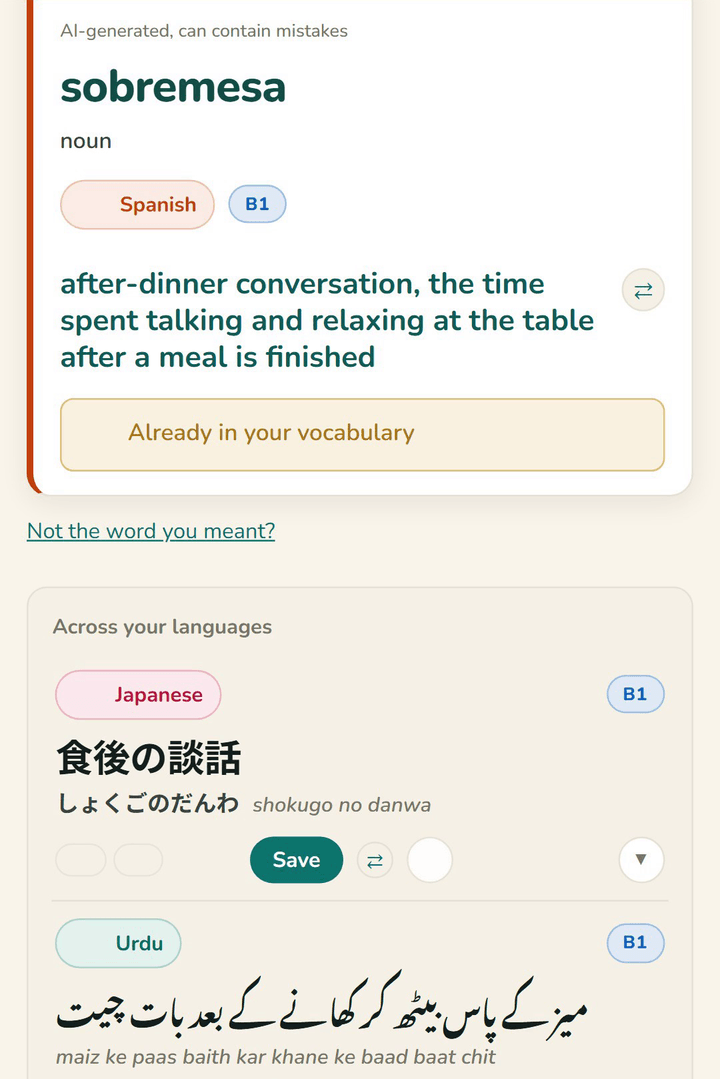
Connect Koboshi once. Then say “save it to Koboshi” in the chat, and the word lands in Koboshi.
How to connect ChatGPT or ClaudeClaude Code or Codex: how to connect
Questions
Before you run it.
Can the AI hallucinate words that were never in my chat?
It can, in very long chats. The prompt's “only words that actually appear” rule plus the verify pass reduce it a lot; see the steps for long chats.
My chat is months long. Will this work?
Yes. Use halves or the export route.
Does this work with Gemini or Claude chats too?
Yes. The same prompt works in Gemini and Claude.
Your words, out of the chat and into review.
Save words as you chat or import them later. The reviews do the rest.