Koboshi
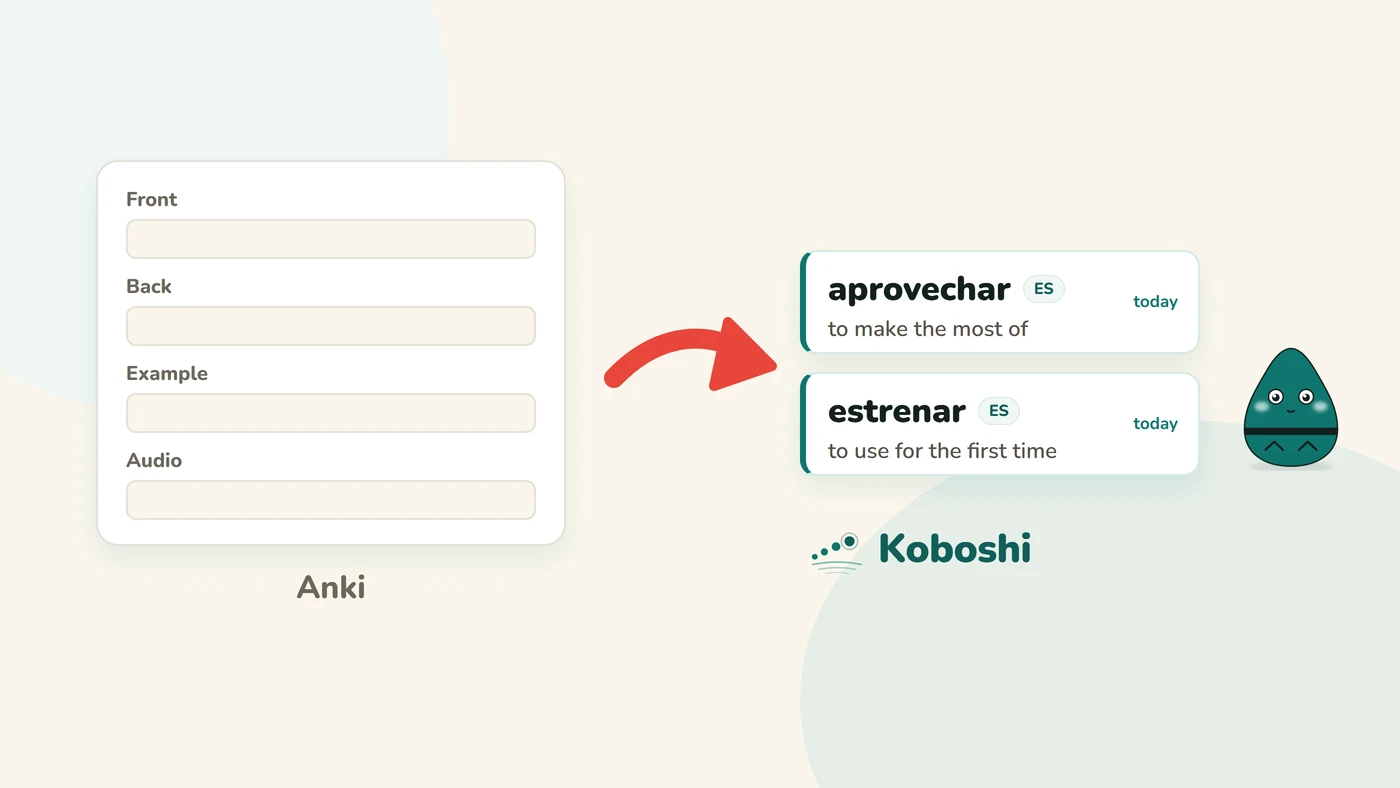
This article is from the maker of Koboshi. In Koboshi you type only the word, and Koboshi fills in the card and quizzes you on it.
The easiest Anki alternative depends on the work you want to skip. If you want the card written for you, use Koboshi, free. If you want a course to follow, use Memrise. If your words are already in class notes, use Quizlet. If you like shaping your own cards, use Mochi.
Contents
Which Anki alternatives are easiest for language learning?
| App | What you type | Free | Paid |
|---|---|---|---|
| Anki | The word, the meaning and any other field, or download a shared deck | Computers and Android | iPhone app, 24.99 US dollars once |
| Mochi | Free plan: the word and the meaning. Pro: only the word, once you set up a template | Unlimited cards, no sync | Pro, 6 US dollars a month, or 5 a month billed yearly |
| Quizlet | Your notes, typed, pasted or uploaded | Free download | Plus, from 9.99 US dollars |
| Memrise | Nothing, the courses come ready | Free download | Annual plan, 61.99 US dollars |
| Koboshi | Only the word | 20 AI lookups a day | None |
Anki
Anki’s getting started page explains seven terms before you begin. They are cards, decks, notes, fields, card types, note types and the collection. One user wrote on the Anki Forums:
“I just can’t get past/cope with all the decks and sub-decks and answer buttons…”
Mochi
Mochi is a flashcard and notes app. On Pro, it can fill in a card from the word alone, much like Koboshi. Its guide to dynamic fields says: “Everything else is generated automatically.” You set up that card template once.
Best for: people who like shaping their own cards.
Quizlet
Its App Store listing says it “intelligently resurfaces exactly what you need to review”.
Best for: class material you already have as notes.
Memrise
Memrise teaches through its own courses, “built around real native-speaker videos”.
Best for: beginners who want a course to follow.
Koboshi
- You type a word, and Koboshi writes its card: meaning, example, pronunciation, level.
- The word is saved at once.
- The quiz brings each word back on a schedule, with nothing to set up.
- Cards are written by AI and labelled “AI-generated, can contain mistakes”.
- Koboshi runs in the browser.
- On iPhone, tap Share, then Add to Home Screen, to open it like an app.
Best for: learners who meet words elsewhere and want them saved without building cards.
What if you learn more than one language?
A classic flashcard has the word on one side and its meaning in one language on the other. Koboshi shows the same word in up to four more languages you choose.
Take a Spanish learner who also speaks Japanese. The card for encargarse also shows the Japanese verb for being in charge (担当する, tantō suru). Tap Helps on it, and the Japanese verb appears under the meaning in the typing quiz.
Is learning two languages at once good or bad? looks at what studies say.
Who should stay with Anki?
Stay with Anki if one of these fits you:
- You already have large decks and a long review history.
- You want add-ons and control over every card.
- You study other subjects in the same app, such as medicine.
Koboshi and Anki side by side compares the two in more detail.
Can you move your words out of Anki?
Yes. Export your deck from Anki as “Notes in Plain Text”. Koboshi imports that file in Settings, up to 500 words at a time, with your meanings. How to import your Anki words into Koboshi has every step. Koboshi also exports your words as a CSV file.