Koboshi
This article is from the maker of Koboshi. In Koboshi you type only the word, and Koboshi fills in the card and quizzes you on it.
To make Anki cards faster, type less per card and add many cards at once. The four ways below go from the smallest change to the biggest. Koboshi writes the card from the word alone, free.
Use the Basic note type
Anki’s Basic note type has two fields, Front and Back, and makes one card (Anki manual). Put the word on the front and its meaning on the back. Every extra field is one more thing to type for every word.
Add cards from the keyboard
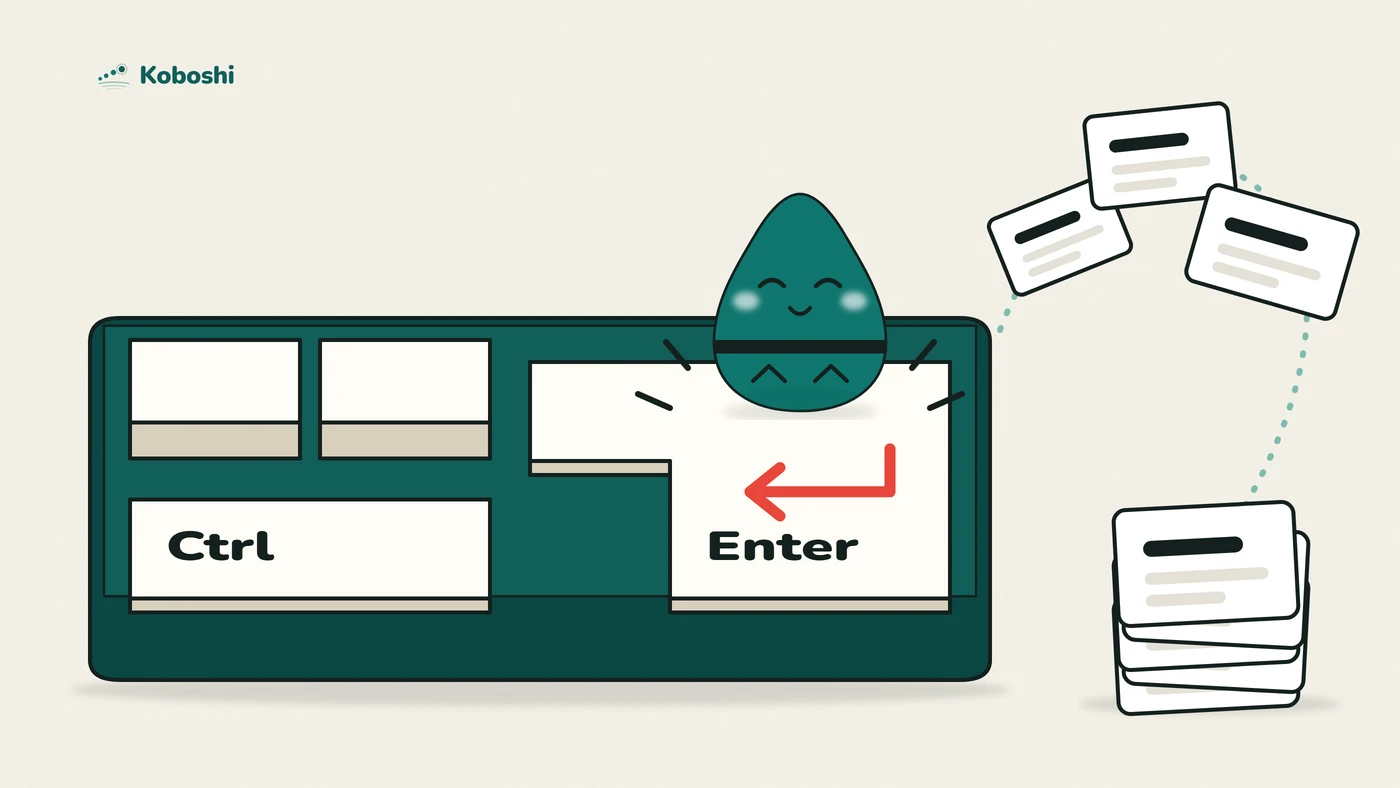
In the Add window, “press Ctrl+Enter” to add the card (Anki manual). On a Mac it is Command+Enter. Your hands stay on the keyboard from one card to the next.
Import a list instead of typing cards
Keep new words in a spreadsheet with a word column and a meaning column. Save it as a CSV file in UTF-8, then import it into Anki. Anki needs UTF-8 to keep accents and other scripts (Anki manual). Anki lets you map each column to a field of your cards. So one import can add a whole week of words.
Let an app or an AI write the card
You still type each word, but nothing else.
With Koboshi:
- Type a word in Koboshi, and it writes the card: meaning, example, pronunciation, level.
- In Settings, under Export words, Export CSV downloads your words as a CSV file.
- The file has 15 columns, among them the word, its meaning and its example.
- Open the file in a text editor and delete its first line, which holds the column names.
- When you import it, choose the word column for Front and the meaning column for Back.
You can also stay in Koboshi, which brings each word back in its own quiz.
With an AI chat and Anki MCP:
MCP is a standard that lets an AI chat use outside apps. Third-party Anki MCP servers, such as AnkiMCP, let Claude add cards straight into your Anki decks. Anki must stay open: “Claude reaches your cards only while the Anki app is running” (AnkiMCP docs). They also need an add-on installed in desktop Anki.
Which way should you pick?
- A few new words a day: use the Basic note type and Ctrl+Enter.
- A list from a class or a book: import it.
- Words you meet while reading or chatting: let Koboshi write the card.
- An AI chat on a computer with Anki open: try Anki MCP.
Easy Anki alternatives for language learning compares Anki with four other apps. Best flashcard app for language learning helps if you are choosing an app.